Use cases

How special machine builders work with MaschPilot

Three typical companies, three starting points – and what everyday work looks like with MaschPilot. The screens are from MaschPilot with demo data.

No credit card required – 30 days free, ends automatically.

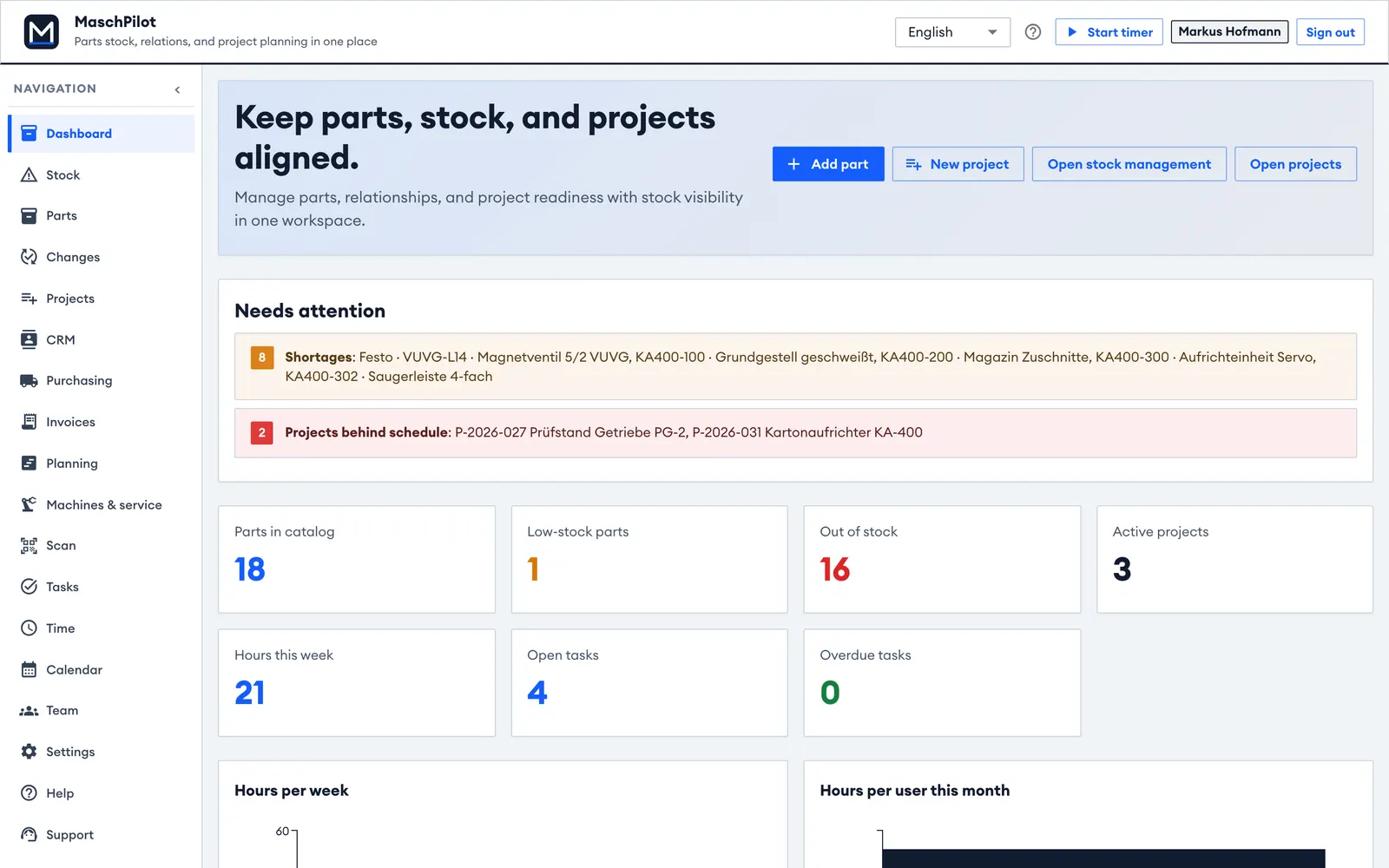
Overview of a special machine builder with shortages and projects at risk
Real MaschPilot view with demo data.

Example scenarios with fictional companies and demo data – not customer quotes. Want to show your own use as a reference? Get in touch.

Example scenario

From CAD import to acceptance: a carton erector

Special machine builder, 25 employees, 8–12 machines a year, SolidWorks and lexoffice.

Starting point

Parts lists are exported from SolidWorks to Excel and sent around by email. Shortages show up in assembly, and the owner does job costing at the weekend – if at all.

How the team works with MaschPilot

  • Design imports the parts list assembly by assembly and releases the base frame early for purchasing.
  • Purchasing orders from the shortage list – servo drive and geared motor first as long-lead items.
  • Fitters book time with the timer, the warehouse picks to the project by scanning.
  • The CE file is kept alongside; the customer signs the acceptance on a tablet.

What changes

During the order the project manager sees that material and labour are within budget, and quotes the follow-up order with actual figures.
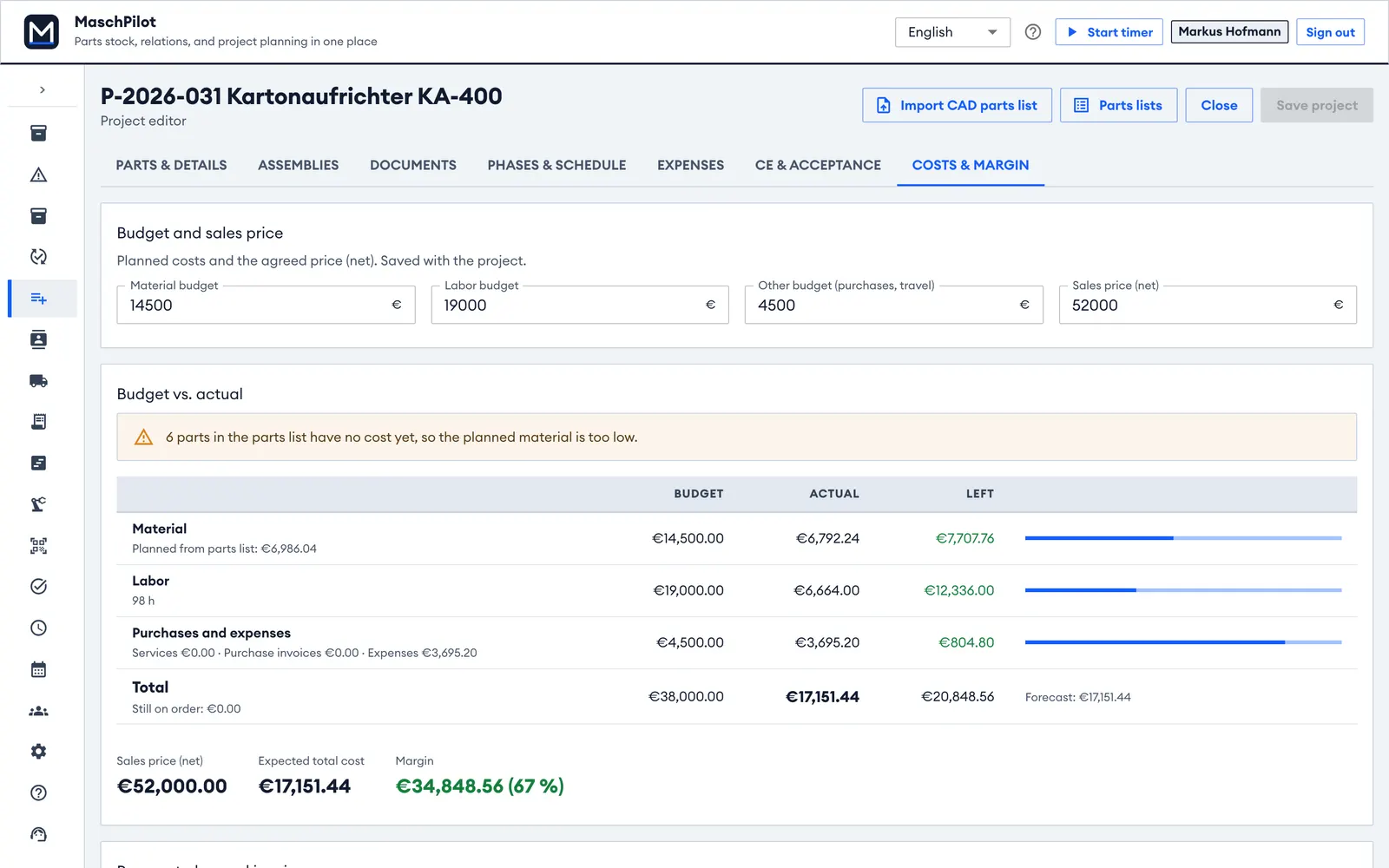
Budget vs. actual of the carton erector project
Example scenario

Replacing Excel parts lists: a fixture builder

Fixture and tooling builder, 12 employees, design in Autodesk Inventor, many small orders in parallel.

Starting point

Standard parts are ordered twice, stock levels are wrong, and nobody knows which fixture is at which stage.

How the team works with MaschPilot

  • Each fixture's parts list comes into the project as an Excel export from Autodesk Inventor – including assemblies and item numbers.
  • Standard parts get minimum stock levels and QR labels.
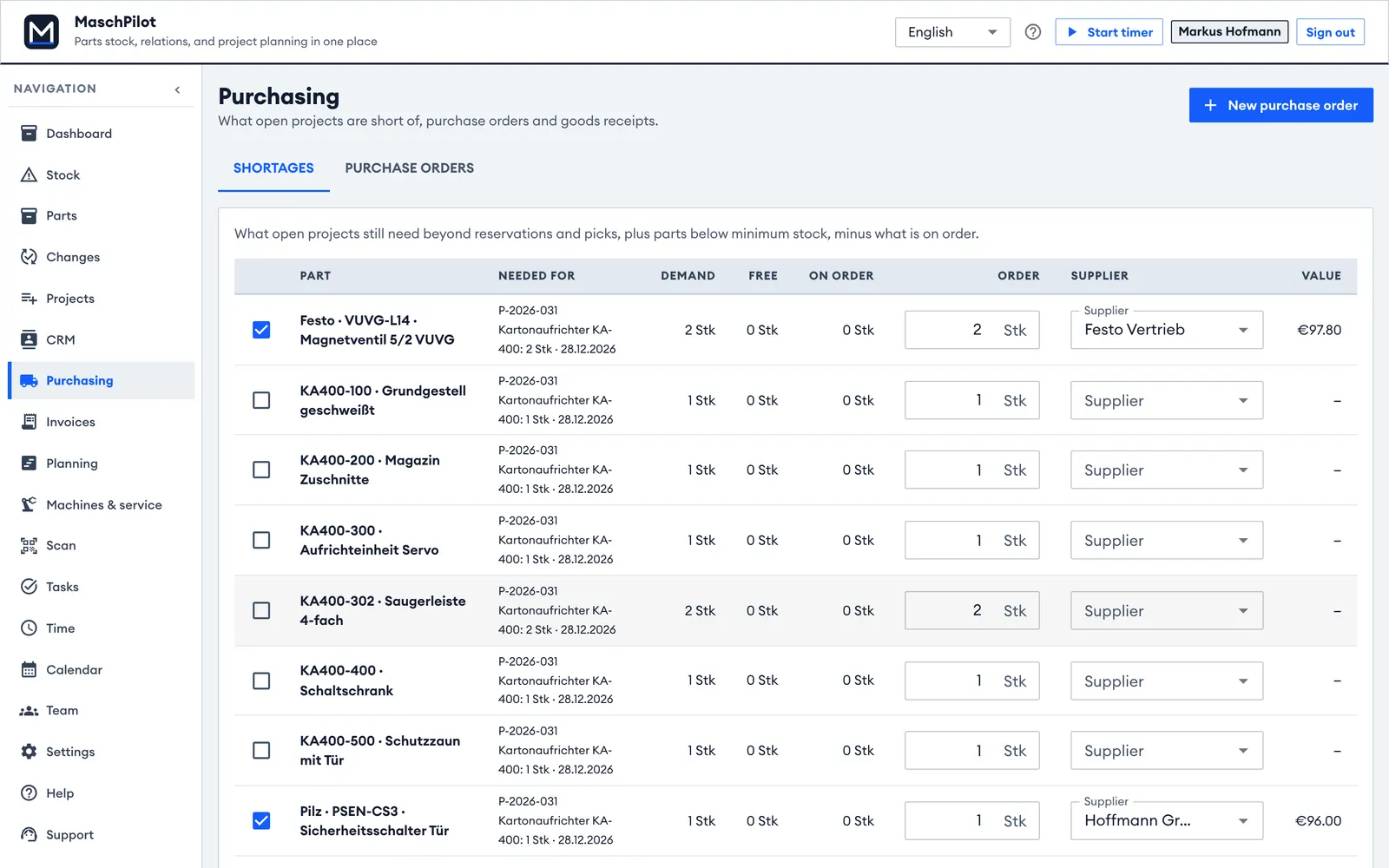
  • The order proposal combines the demand of all orders per supplier.
  • The portfolio timeline shows every order with its delivery date.

What changes

Stock you can rely on, orders in one step and all orders on one page.

Shortage list with order proposal per supplier
Example scenario

Service as a pillar: a plant engineering company

Plant engineering, 60 employees, design in Autodesk Inventor and SolidWorks, more than 100 plants in the field.

Starting point

Maintenance is forgotten, spare parts requests take long because nobody knows what is built into the plant.

How the team works with MaschPilot

  • At handover the machine record is created with the as-built parts list from the Inventor and SolidWorks imports.
  • Maintenance plans remind of due dates, service orders are billed like projects.
  • Customers receive spare parts lists as PDF.

What changes

Maintenance becomes plannable, and the office answers spare parts requests in minutes.

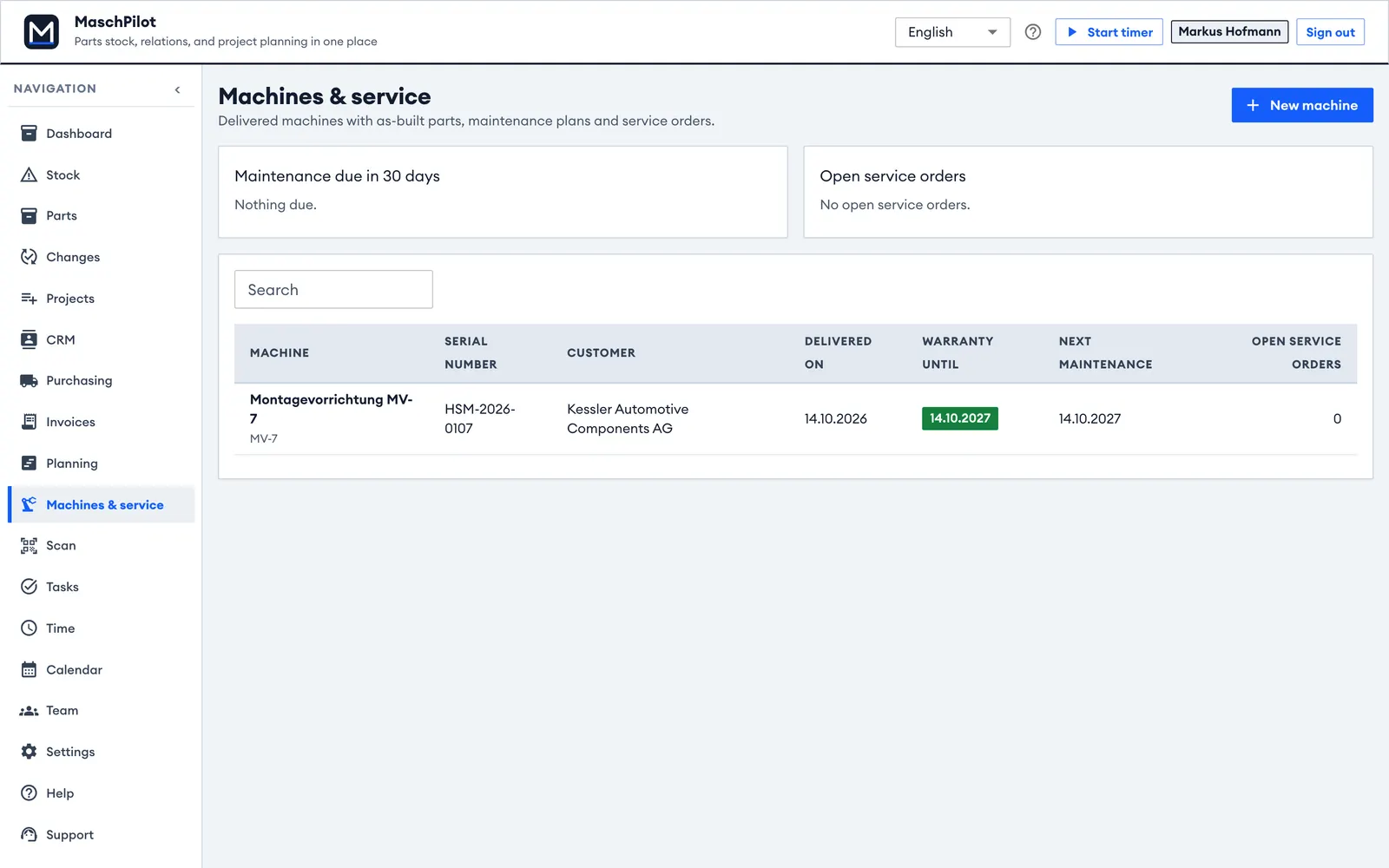
Machine list with warranty and next maintenance

Try it with one of your own orders.

30 days with every feature, no credit card – we help with the first import.

No credit card required – 30 days free, ends automatically.